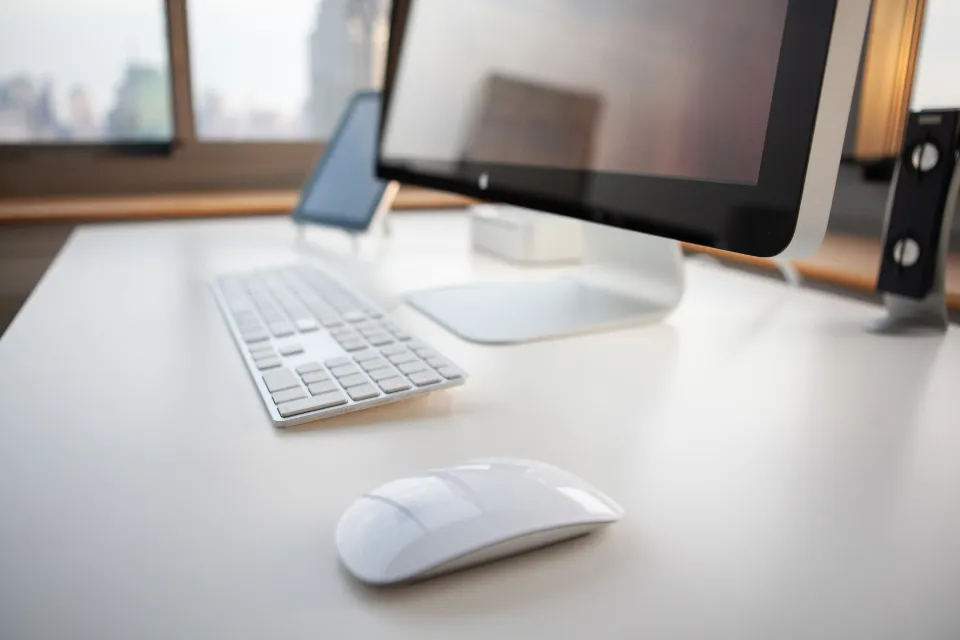
Working from home has clear benefits, from no commute to more flexible hours. It can also mean hunching over a laptop at the kitchen table, sitting for hours without moving and letting work drift into the evening. The good news is that a healthier setup rarely needs expensive furniture. A few adjustments to how you sit, what you look at and how you plan your day can make work more comfortable.
Choose the Right Spot
If you can, pick a place you use only for work, even if it is just one end of a table. A dedicated spot helps your brain switch into work mode and, just as importantly, switch out of it at the end of the day. Look for somewhere with good natural light, a little quiet and enough space to stretch your legs.
Think about noise too. Headphones, a closed door or simply agreeing quiet hours with others at home can make concentration much easier.
Avoid working from the bed or sofa for long periods. They feel comfortable at first, but they rarely support your back and neck well over a full day.
Get Your Chair and Desk Right
Your chair matters more than your desk. Aim for these basics:
- Feet flat on the floor or on a footrest, with knees roughly level with your hips.
- Your lower back supported; a small cushion or rolled towel can help if your chair lacks support.
- Shoulders relaxed, with elbows close to your sides and bent at about a right angle when typing.
- Wrists fairly straight, not bent up or down, while you use the keyboard and mouse.
If the desk is too high, raise your seat and add a footrest. If it is too low, a sturdy riser under the screen or keyboard can help.
Position Your Screen
Place your monitor roughly an arm’s length away, with the top of the screen at or slightly below eye level. This lets you look straight ahead or slightly down rather than tilting your head. If you work on a laptop for long periods, consider raising it on a stand or a stack of books and using a separate keyboard and mouse. That one change can noticeably reduce neck strain.
Look After Your Eyes
Staring at a screen for hours can leave eyes tired and dry, partly because we blink less when concentrating. Every so often, look away at something in the distance for a few seconds and blink fully. Reduce glare by positioning the screen side-on to windows and adjusting brightness to match the room. If you notice ongoing eye strain or headaches, arrange an eye test.
Light, Air and Comfort
Natural daylight helps you feel alert, so face or sit beside a window where possible. In the evening, use a desk lamp to avoid straining in dim light. Open a window for fresh air when you can, keep the room at a comfortable temperature, and add a plant or two if you like them. Small comforts make the space somewhere you are happy to sit.
Build Movement Into the Day
Even a perfect chair cannot make hours of stillness healthy. Breaking up long spells of sitting is one of the most useful habits for home workers.
- Stand up and move around at least once every half hour or so.
- Take phone calls standing or while walking around the room.
- Fill your water bottle in the kitchen rather than keeping a large jug at your desk.
- Use your lunch break for a short walk outside if possible.
- Try a few gentle stretches for the neck, shoulders and back during the afternoon.
Set Boundaries Between Work and Home
When home is also the office, work can quietly expand. Start and finish at consistent times, and create a small closing ritual, such as tidying the desk, writing tomorrow’s to-do list and switching off notifications. If your workspace is in a shared room, packing your laptop away at the end of the day makes the space feel like home again.
Lunch is part of this too. Eating away from the screen gives your mind a genuine break, and our guide to mindful eating for beginners has simple ways to make that break more restful.
Quick Workspace Checklist
Feet supported, back supported, screen at eye level, wrists straight, light from the side, regular movement and a clear finish time. Review this list after your first week and adjust anything that still feels awkward. Your body is often the best guide: if a position leaves you stiff or sore, change one thing at a time until it feels comfortable.
This article is general information, not medical advice. If you have ongoing pain, numbness or discomfort, talk to a doctor, physiotherapist or other qualified professional.
Explore more in our Health and Wellness guides, or find practical tips on many other topics at Rashywings.com.
Frequently Asked Questions
Do I need an expensive ergonomic chair?
Not necessarily. A chair that lets you sit with your feet supported and your lower back comfortable is the priority. Cushions, footrests and a laptop stand can improve an ordinary setup at low cost.
Is a standing desk better than sitting?
Standing all day has its own drawbacks. What helps most is changing position regularly. A standing desk can be useful for variety, but alternating between sitting, standing and moving is the key idea.
How can I stop working late at home?
Set a fixed finish time, use a short end-of-day routine and turn off work notifications. Physically closing the laptop or leaving the room signals that the workday is over.