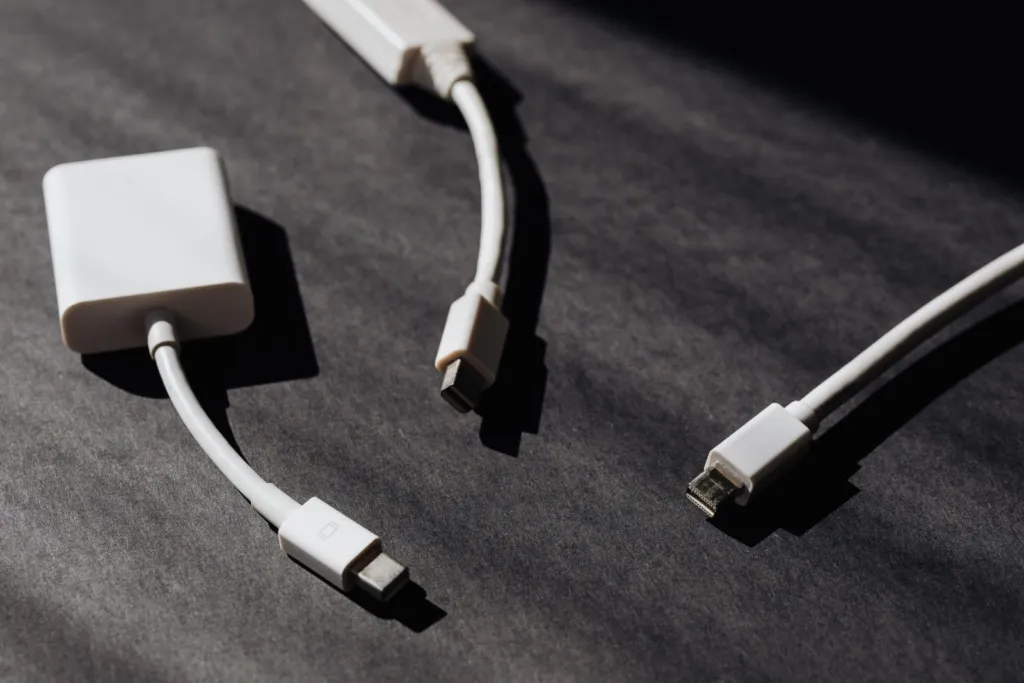
Open almost any kitchen drawer and you will find it: a knot of chargers, earphones and mystery cables that nobody can identify. Wires gather behind the television, snake across the desk and pile up beside the bed. They are not just untidy. Tangled cables are harder to clean around, easier to trip over and more likely to get damaged.
Sorting them out does not require expensive gadgets. With a free afternoon and a few items you probably already own, you can bring order to every corner of the home and pack a travel kit that works the first time.
Start With a Cable Audit
Before organizing anything, gather every loose cable and charger into one pile. Then sort them into three groups:
- Keep: cables you use regularly for devices you still own.
- Spare: working duplicates worth keeping as backups, such as an extra phone charger for travel.
- Recycle: damaged cables, frayed wires and chargers for devices you no longer have.
Test anything you are unsure about. Damaged or frayed cables should not be used, and many councils and electronics retailers accept old cables and chargers for recycling, so check what is available locally rather than putting them in household rubbish.
Most homes end up with far fewer “keep” cables than they expected, which makes the rest of the job much easier.
Simple Tools for Taming Wires
You do not need a specialist kit. Many good cable organizers are everyday items.
| Item | Best use | Tip |
|---|---|---|
| Reusable hook-and-loop ties | Bundling coiled cables | Easy to undo and reuse, unlike plastic zip ties |
| Bread-bag clips or binder clips | Holding cable ends on a desk edge | Stops chargers slipping behind furniture |
| Small zip pouches | Travel kits and drawer storage | One pouch per purpose keeps kits simple |
| Masking tape or a label maker | Naming plugs and adapters | Label both ends of long cables |
| Shoebox with dividers | A “cable library” for spares | Cut cardboard dividers to separate types |
Coil Cables the Gentle Way
How you wind a cable matters. Wrapping it tightly around a charger or your hand puts stress on the joint where the wire meets the plug, which is where most cables fail. Instead, make loose loops about the size of your palm and secure them with a soft tie. Leave a little slack near both ends. Your cables will last longer and uncoil without kinks.
Room-by-Room Cable Hacks
The desk
Run cables along the back edge of the desk and hold them in place with clips, so they cannot fall to the floor each time you unplug. A small tray or box can hide a power strip and the excess length. Keep only the cables you use daily on the desk itself, and store the rest.
The bedside table
A single charging cable, clipped to the side of the table so the end is always within reach, prevents late-night fumbling. If several people charge devices in the same room, give each person a cable of a different colour.
The television and entertainment area
Bundle cables running from the screen to the wall together with ties so they look like one neat line. Label each plug at the power strip, for example “TV”, “speaker” and “router”, so you know what you are unplugging.
Build a Grab-and-Go Travel Kit
A ready-packed travel pouch removes the scramble before every trip. Fill it with a spare phone charger, a short cable for each device you travel with, earphones and, if you go abroad, a plug adapter suited to your destination. Because the kit stays packed, you never have to unplug your home setup to travel.
When you return, check the pouch and replace anything that was used or left behind. If you like checklists, our travel packing checklist for any trip pairs well with this kit.
Keep Cables Safe as Well as Tidy
Organizing cables is also a chance to check safety. Avoid running cables under rugs, where heat cannot escape and damage is hidden. Do not overload power strips, and follow the manufacturer’s guidance on the number and type of devices you plug in. Replace any cable with exposed wires, scorch marks or a loose plug.
The same “everything has a home” thinking helps with other small items too. Our guide on how to stop losing your keys, phone and wallet shows how a single landing spot ends the daily search. For more ideas, explore the Life Hacks section, or browse the full range of practical guides on Rashywings.com.
Cable Organization FAQs
Should I use plastic zip ties for cables?
Plastic zip ties hold firmly, but they have to be cut off and can pinch cables if pulled too tight. Reusable hook-and-loop ties are usually a better choice at home because they are gentle on cables and easy to adjust when you add or remove a device.
How do I know which charger belongs to which device?
Check the label printed on the charger for its output and compare it with what the device manufacturer recommends. Once you have matched them, add a small label with the device name to the plug so you never need to check again.
Is it safe to keep chargers plugged in all the time?
Many modern chargers draw little power when idle, but it is still sensible to unplug chargers you rarely use and any charger that feels hot. Follow the manufacturer’s instructions and replace chargers that are damaged or make unusual noises.
What is the easiest way to store spare cables?
Coil each spare loosely, secure it with a soft tie and store it in a labelled box or pouch by type, such as phone, laptop and audio. Keeping spares in one place means you always know what you have and avoid buying duplicates.