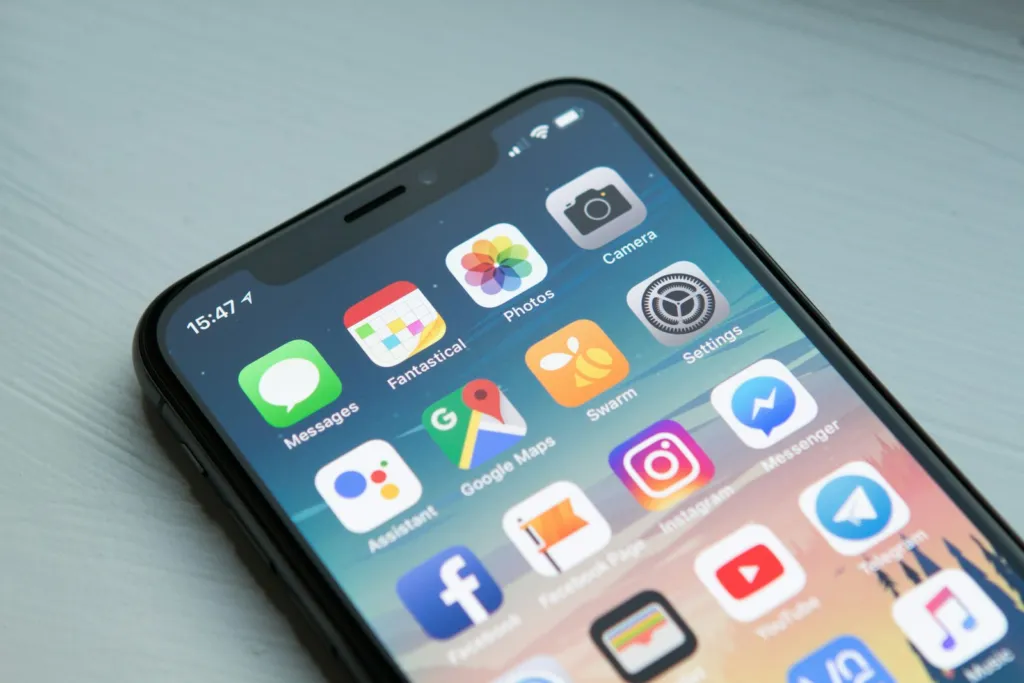
Phones are useful. They hold our maps, messages, banking, photos and work. The problem is not owning one; it is the way a quick check can quietly turn into an hour of scrolling. The good news is that you can cut back without throwing your phone in a drawer or going “off-grid”.
This guide focuses on realistic changes: understanding your habits, adjusting a few settings, and making room for the things you would rather be doing.
Start by Looking at Your Real Habits
Most smartphones have a built-in screen time or digital wellbeing dashboard. It shows how long you spend on the device, which apps take up the most time, and how often you pick the phone up. Look at a full week before changing anything; a single day can be misleading.
As you review it, ask yourself three questions:
- Which apps leave me feeling better, and which leave me feeling drained?
- At what times of day do I scroll most without meaning to?
- What am I usually trying to avoid or fill when I reach for the phone?
The answers tell you where small changes will have the biggest effect.
Change the Settings, Not Just Your Willpower
Relying on willpower alone is hard because apps are designed to be engaging. Changing the environment works better.
Turn Off Non-Essential Notifications
Keep alerts for calls, messages from real people and anything time-sensitive. Switch off the rest. Fewer buzzes mean fewer reasons to unlock the phone.
Rearrange Your Home Screen
Move the apps you overuse off the first screen or into a folder. Put useful tools, such as your calendar, notes or a reading app, in their place.
Use App Limits and Focus Modes
Most phones let you set daily limits for specific apps and schedule focus or “do not disturb” modes for work, meals and sleep. A gentle reminder that you have reached your limit is often enough to make you stop and think.
Try Greyscale
Some people find that switching the display to greyscale makes colourful apps feel less appealing. It is easy to test for a few days and switch back if it does not help.
Strategies at a Glance
| Strategy | Effort | Works well for |
|---|---|---|
| Turning off non-essential notifications | Low | Constant interruptions during the day |
| Phone-free bedroom | Medium | Late-night scrolling and slow mornings |
| App time limits | Low | One or two apps that eat up time |
| Phone-free meals | Low | Families and housemates who want more conversation |
| Scheduled “check-in” times for email and social media | Medium | Remote workers and students |
| Replacing scrolling with a planned activity | Medium | Evenings and weekends |
Create Phone-Free Zones and Times
Physical boundaries are easier to keep than vague intentions. Charging your phone outside the bedroom is one of the simplest. Use a basic alarm clock instead, and you avoid both late-night scrolling and the urge to check messages before you are properly awake.
Meals are another natural phone-free time. Leaving phones in another room, or face down in a basket, makes conversation easier and helps you notice your food. You might also choose the first half-hour after waking or the last hour before bed as screen-free time.
Fill the Gap With Something Better
Cutting screen time leaves empty moments, and if nothing fills them, the phone usually wins. Plan a few easy alternatives: a book by the sofa, a short walk after dinner, a hobby kit on the table, or a call with a friend instead of a stream of messages.
A regular weekly planning session can help here, because it gives you time to decide how you want to spend your evenings. Our weekly reset routine guide includes a simple checklist that works well alongside these habits.
Screen Time at Work and Study
Not all screen time is the same. Hours spent on a spreadsheet, an online lesson or a video call with family are very different from an evening of aimless scrolling. When you review your habits, separate the time you need from the time you drift into.
For work and study, batching helps. Check email and messages at set points in the day rather than every few minutes, and close tabs you are not using. Short breaks away from the screen, such as standing up, looking out of a window or stepping outside for a few minutes, make long days at a desk more comfortable and can help you return to tasks with fresh focus.
Be Kind to Yourself
You will still have days when you scroll more than you meant to. That is normal. Look at your weekly average rather than any single day, and notice how you feel when you use your phone less: more rested, more focused or simply less rushed. Those feelings are the real reward.
For more ideas on balanced everyday living, explore our lifestyle articles, or find more practical guides on Rashywings.com.
Frequently Asked Questions
How much screen time is too much?
There is no single limit that suits every adult, because work, study and social needs vary. A useful test is how your screen use makes you feel and whether it crowds out sleep, movement, relationships or tasks you care about.
Do screen time apps actually help?
They can. Built-in dashboards make your habits visible, and app limits add a pause before you keep scrolling. They work best when combined with practical changes, such as charging your phone outside the bedroom.
Is it better to cut back gradually or all at once?
Gradual changes are usually easier to keep. Start with one or two steps, such as turning off notifications and keeping phones away from meals, then add more once they feel normal.
What can I do instead of scrolling before bed?
Try reading a paper book, listening to calm music or a podcast, light stretching, or writing down tomorrow’s plans. Keeping your phone charging in another room makes these options easier to choose.